
01
Your recipe library
Save favourites with photos and tags. Organise recipes into cookbooks and search by ingredient. Your collection is stored locally.
Create an account to save your favourite recipes, import new finds and turn loose ideas into something delicious. Cooklet helps you plan, cook and share inspiration.
Your recipes. Your space. Yours to keep.
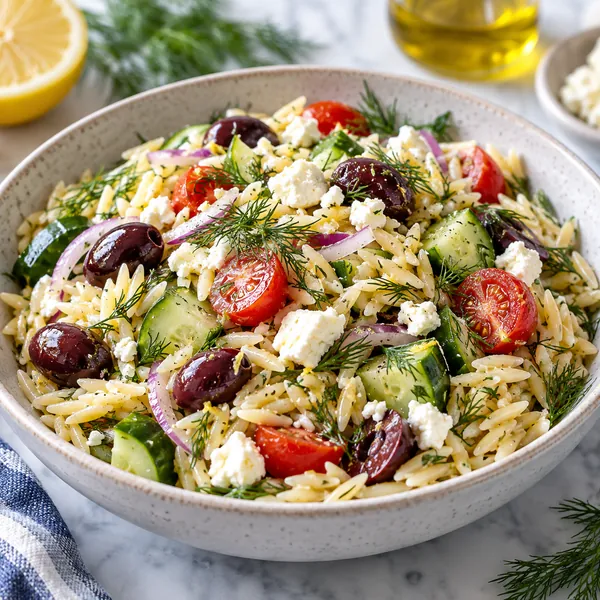
From your collection
Something delicious starts here
See Cooklet in action
Hover to pause the row, click a screenshot to enlarge it.
Made for your kitchen
From importing and planning to cooking and sharing: explore everything you can do with Cooklet.
01
Save favourites with photos and tags. Organise recipes into cookbooks and search by ingredient. Your collection is stored locally.
02
Import from websites and social media using a link, photo, text or PDF. Adding a recipe yourself is easy too.
03
Plan every meal, track calories and macros, and create a category-based shopping list from your weekly plan.
04
Recognise recipes in photos, get tailored ideas and meal plans, translate recipes and convert measurements. Always check AI results yourself.
05
Cook step by step with timers and portion scaling. Scale yeast and sourdough recipes with the bread calculator.
06
Export your collection or restore it on another device with optional cloud backup Premium and your personal recovery code.
07
Share recipes in the Cooklet community, discover dishes from others and save favourites to your own collection.
08
Cooklet is available in Dutch, English, German, French, Spanish, Brazilian Portuguese, Italian and Turkish.
Easy to get started
Start small. Save a recipe you love and build your own collection one meal at a time.
Bring your favourite recipes together.
Create cookbooks and plan your week.
Find inspiration when you need it.
Good to know
Questions about your recipes, AI or privacy? Find the key answers here.
Yes. You need an account to use Cooklet.
For free you can save unlimited recipes, create cookbooks, plan your week, make shopping lists, use the community and export your recipes. You can also import 5 recipes per week. Premium gives you unlimited imports, AI help (inventing recipes, making them healthier, weight-loss menu), nutrition values, translation and measurement conversion, cook mode and cloud backup. Restoring an existing backup is always free.
You can view and use recipes saved locally without an internet connection. AI, the community and cloud backup do need a connection.
Sign-in is handled by Firebase Authentication. Recipes you save are stored in the app database on your device; they are not automatically synced to other devices. You start a cloud backup yourself in Settings. Online features such as AI, imports and the community also use servers. See the privacy policy for details.
AI can make mistakes. Always check recipes, nutrition information and ingredients yourself, especially if you have allergies. Cooklet does not provide medical or dietary advice. See the terms of use.
Coming soon
Leave your email and get a note when Cooklet launches.